sander
Verified purchase
Drone Tweaks for DJI Fly for iOS
FCC-modificatie voor DJI Fly voor iOS
ik ben er erg tevreden over over dit product, werkt prima met DJI Fpv drone
Helpful?
Drone Tweaks app
$44.99
One-time payment · works with 26 drone models
What's inside
Full FCC power
Also enables 5.8 GHz transmission in countries where it's disabled.
Remove 120 m altitude limit
Drone-dependent — the new limit varies by model.
Increase top speed
Drone-dependent — the new limit varies by model.
Full LED control
Turn the drone's arm LEDs on and off at will.
Clean Screen
Remove any piece of telemetry from the screen to see a clean image.
ATTI mode
Turn off GPS and vision sensors for full manual flying.
GPS-off mode
Turn off GPS — ideal for flying in areas with GPS jamming or interference.
Autonomous waypoint missions
Let the drone continue its mission if it loses signal. Applies to drones that already support waypoint missions.
No ActiveTrack distance limit
Follow subjects without the 50 m distance limit. Applies to drones that already support ActiveTrack.
4G transmissionComing soon
Exact availability depends on your drone — open a drone below to see what unlocks for it.
Compatibility
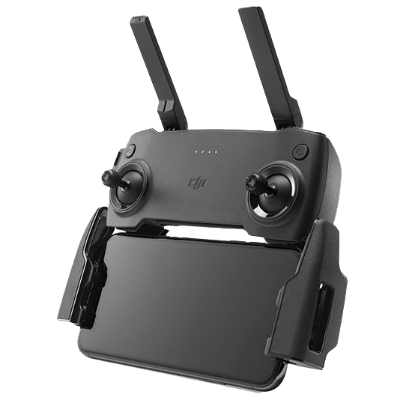
Standard Controller
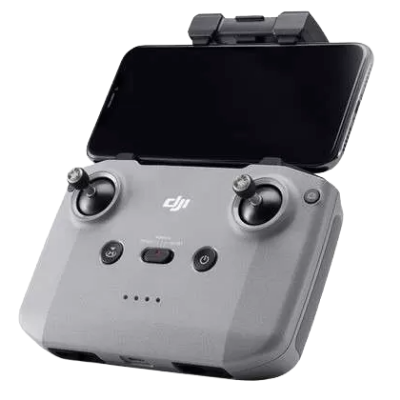
Standard Controller (RC-N series)
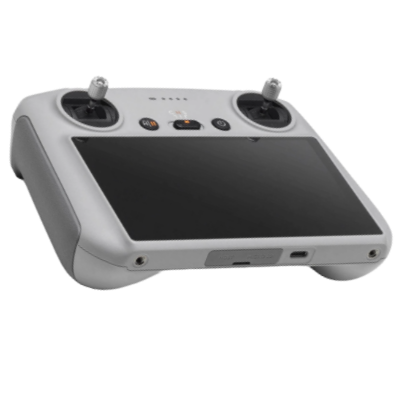
DJI RC via QuickTransfer
Check drone compatibility
Not all drone models support this mode. Check your drone’s page before buying.
Find your drone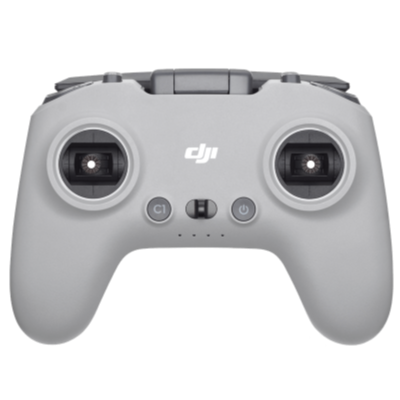
DJI FPV Controller
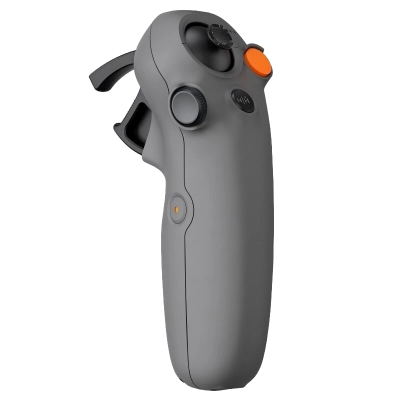
DJI Motion Controller
Details
DJI drones support several regulatory modes — FCC (US, Canada and a few others) and CE (Europe and most other countries) are the main two, with FCC being the most powerful.
CE is far stricter: the drone has to pull its radios way down, which costs you range and makes the link less reliable behind trees or buildings — especially on 5.8 GHz, the band you rely on in cities. Exact figures depend on your drone, and every drone page shows them.
The Drone Tweaks app switches your drone to full FCC power and unlocks bands some countries disable — 5.8 GHz in Russia and Israel, for example.
Already flying in an FCC country? Your drone already transmits at full power there — but travel to Europe and it would normally drop back to CE. The Drone Tweaks app keeps it in full FCC wherever you fly. Power, though, is only part of what the app does.
Depending on your model, it also unlocks:
The exact gains for your model are listed on its drone page.
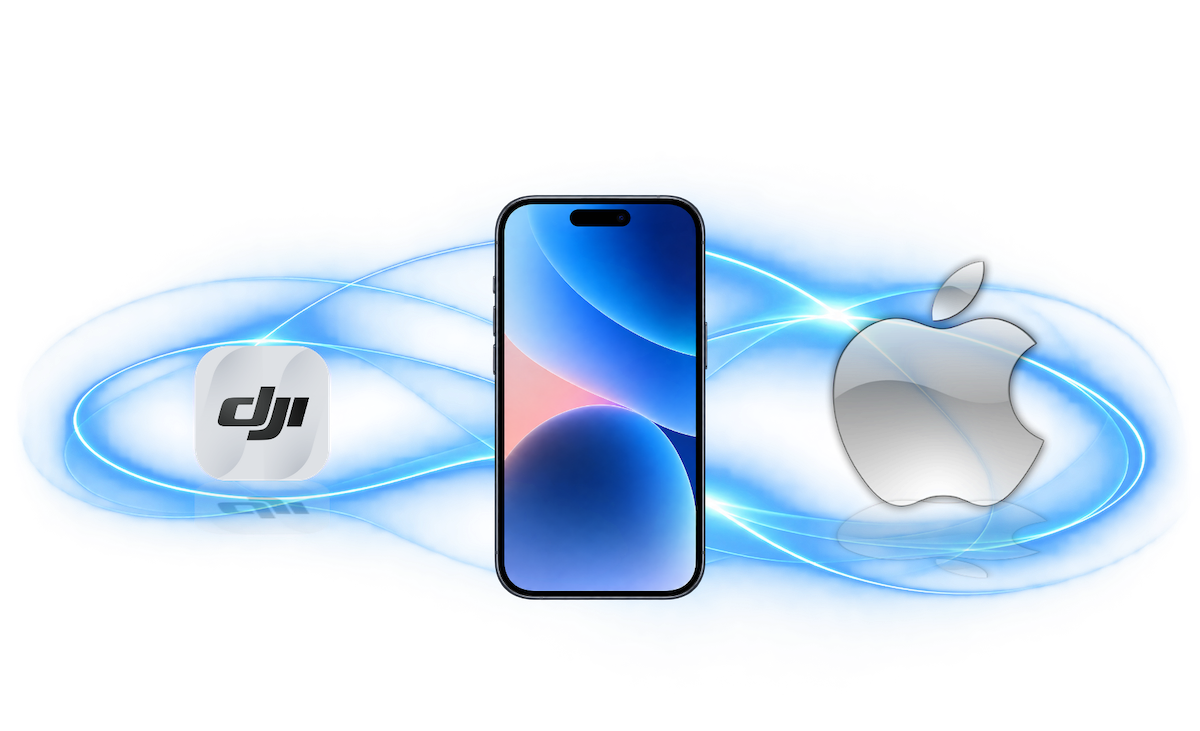
The Drone Tweaks app installs as a separate app on your iPhone or iPad. No jailbreak is needed, and you can use it with an unlimited number of drones.
The app is signed with a valid Apple developer certificate specifically for your device. To sign it, we need your iPhone or iPad’s UDID (Unique Device Identifier). You can provide it when ordering or send it later through My license. See Getting the UDID for instructions.
Once your UDID is registered, it cannot be changed — Apple does not allow it. Make sure you send the correct UDID for the device you will use when flying.
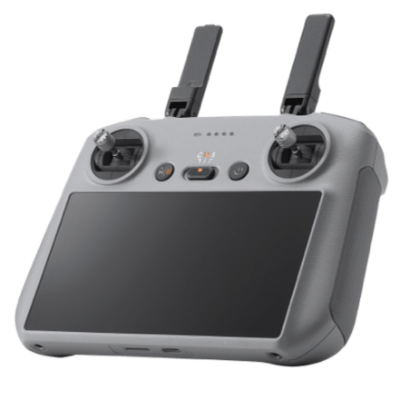
You can use the app directly with a standard controller connected to your iPhone or iPad, or use it to switch a DJI RC, DJI RC 2 or DJI RC Pro to FCC mode — with these smart controllers the switch runs through QuickTransfer from your phone. If you fly with an RC 2, RC Pro or RC Pro 2, the recommended way is the dedicated app for that controller. Not all drone models support these smart-controller setups. Check the Smart controllers page and your drone’s page before buying.
Your order is processed within 24h and submitted for signing to Apple.
Once the signed app is ready, you receive an installation link. Open it on your iPhone or iPad in Safari, then tap Install Application.
Raising transmission power without permission from the relevant authorities is illegal in most places. We recommend always following your local rules and regulations.
Bought this app? Share how it flies.
From our pilots
164 reviews for this app
Showing 9 of 164 reviews
sander
Verified purchase
Drone Tweaks for DJI Fly for iOS
ik ben er erg tevreden over over dit product, werkt prima met DJI Fpv drone
Nik
Verified purchase
Drone Tweaks for DJI Fly for iOS
I love it. The drone gains notable potential under FCCA mode.
Lukas from Slovakia
Verified purchase
Drone Tweaks for DJI Fly for iOS
Works like a charm. Using for flying above 120m..
Fun with drone
Verified purchase
Drone Tweaks for DJI Fly for iOS
Exactly what expected. Easy to install and works perfectly.
DJI Fly FCC
Verified purchase
Drone Tweaks for DJI Fly for iOS
lulu
Verified purchase
Drone Tweaks for DJI Fly for iOS
Pescion
Verified purchase
Drone Tweaks for DJI Fly for iOS
Va benissimo
Miroslav
Verified purchase
Drone Tweaks for DJI Fly for iOS
much better range, higher altitude, better-quality image transmission over longer distances, highy recommend!
Max
Verified purchase
Drone Tweaks for DJI Fly for iOS
It works 100%